I found a lot of examples for using python on a linux docker container instance, but not much for a windows container instance. Below is the dockerfile configuration and commands for getting my container up and running.
#dockerfile

# windows image enabling us to run pip
FROM python:3.7-windowsservercore-1809

# create directory in the container for adding your files
WORKDIR /app

# copy over the requirements file and run pip install to install the packages into your container at the directory defined above
COPY requirements.txt ./
RUN pip install --no-cache-dir -r requirements.txt --user
COPY . .


# exposing the port
EXPOSE 8000

#command that will run when you run your container
CMD ["python", "manage.py", "runserver", "0.0.0.0:8000"]
Next, you will need to run the following in your command prompt. run without the quotes
"docker build -t insertYourAppNameHere .""docker run -d -p 8000:8000 insertYourAppNameHere:latest"
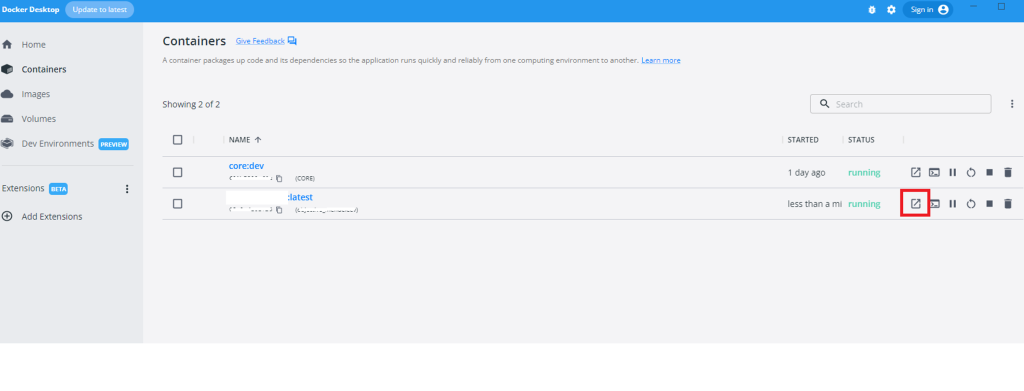
If you have docker desktop, you can run your localhost from the GUI as seen below. This will open up localhost:8000
I will add more on to this if I remember. Please comment or contact me if you need clarification or additional context.
